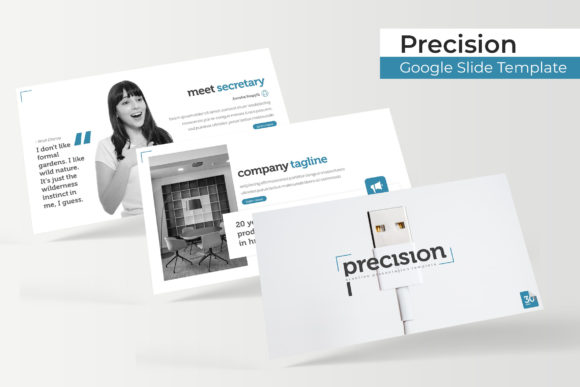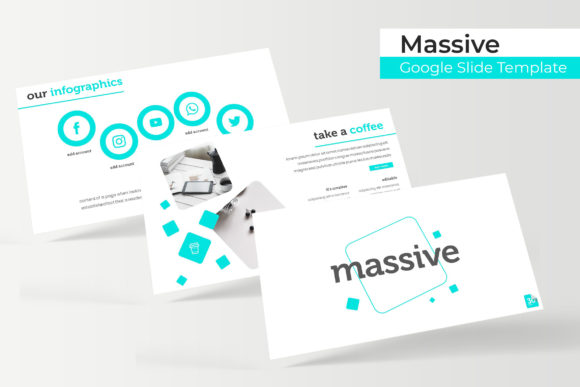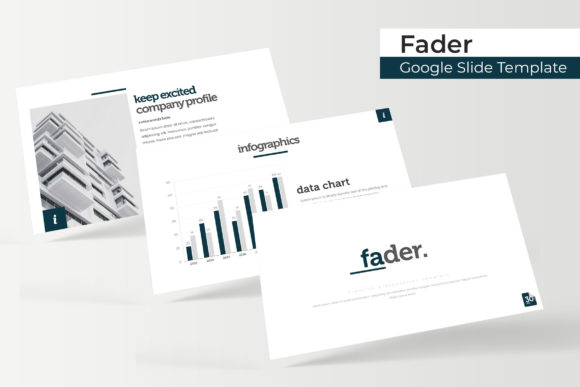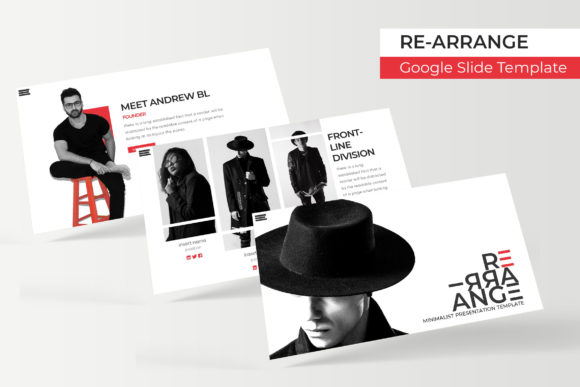
Clammos Google Slide Template for Modern Presentations
Creating a presentation that captures attention requires more than just good content; it demands a visual structure that guides your audience through your narrative without distraction. The Clammos Google Slide Template addresses this need by providing a comprehensive design system rather than a simple collection of layouts. For professionals, educators, and creators who frequently present data, portfolios, or strategic plans, having a robust toolkit is essential for maintaining consistency and saving time. This template offers a massive library of 150 total slides organized into five distinct premade color themes, ensuring that whether you are pitching to investors or teaching a workshop, you have the exact visual asset required to communicate effectively.
A Comprehensive Design System for Diverse Needs
The primary strength of the Clammos Google Slide Template lies in its sheer volume and organization. With 30 unique slides allocated to each of the five color variations, users are not forced to recycle the same layout repeatedly. This variety is crucial for long-form presentations where visual fatigue can set in quickly. Each color theme acts as a standalone kit, allowing you to maintain brand consistency across different departments or client projects simply by switching files. The inclusion of five separate PPTX widescreen files means you can keep your project folders organized by color scheme, reducing the clutter often associated with massive master slide decks.
Beyond the quantity, the quality of the design infrastructure matters. The template is built on Master Slides, which is a critical feature for efficiency. When you need to update a logo, change a footer, or adjust a background element across thirty slides, you can do it globally through the master view rather than editing individual slides one by one. This architecture respects your time and ensures pixel-perfect alignment throughout your deck. For freelancers managing multiple brands or agencies handling various accounts, this level of structural integrity prevents formatting errors that can undermine professional credibility.
Handcrafted Infographics and Visual Data
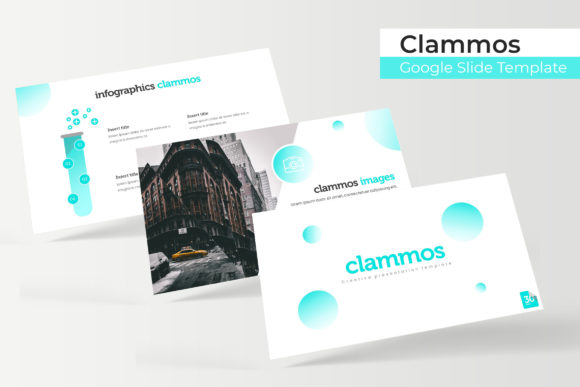
Data visualization is often the breaking point for many presentations. Generic charts can look sterile, while custom illustration requires design skills that many presenters lack. Clammos bridges this gap with handcrafted infographics that are fully editable within PowerPoint and Google Slides. These are not static images; they are vector-based graphic elements that you can resize, recolor, and modify to fit your specific dataset. Whether you are displaying quarterly growth, market share distribution, or a timeline of project milestones, these infographics transform raw numbers into engaging visual stories.
The pixel-perfect illustrations included in the package elevate the aesthetic beyond standard corporate templates. Because they are designed specifically for this ecosystem, they harmonize with the typography and color palettes provided. This cohesion is vital for user experience; when visuals feel disjointed from the text, cognitive load increases, and retention drops. By using integrated graphical assets, you ensure that your audience focuses on your message rather than trying to reconcile conflicting design elements.
Portfolio and Gallery Layouts for Creatives
For photographers, designers, architects, and marketers, showcasing visual work requires specialized layouts. Standard bullet-point slides fail to do justice to high-quality imagery. The Clammos Google Slide Template includes dedicated gallery and portfolio slides featuring resizable picture placeholders. These are designed with drag-and-drop functionality, making it effortless to swap preview images with your own work without breaking the layout’s aspect ratio or alignment.
This feature is particularly valuable for pitch decks and case studies. You can create a seamless flow between textual explanation and visual proof. The placeholders are engineered to handle various image orientations, so you don't have to spend hours cropping photos to fit arbitrary boxes. This flexibility allows creatives to focus on curating their best work rather than fighting with formatting tools. It also supports commercial environments where product photography needs to be displayed cleanly alongside pricing or feature specifications.
Streamlining Workflow with Section Breaks and Usability
Narrative pacing is an overlooked aspect of slide design. Without clear transitions, audiences can lose track of where they are in your argument. Clammos provides specific section break slides that serve as visual palate cleansers. These dividers help structure your presentation into digestible chapters, improving information retention and giving you natural pause points during your delivery. In educational settings, this helps students compartmentalize complex topics. In business meetings, it signals shifts from problem identification to solution proposal, keeping stakeholders aligned.
Usability extends to the setup process as well. The package includes a Readme First file and direct download links for the free fonts used in the design. Typography mismatches are a common source of frustration when opening new templates, but Clammos mitigates this by guiding you through the font installation immediately. This attention to detail reflects a user-centric design philosophy. It acknowledges that the template is a tool meant to be deployed quickly, not a puzzle to be solved before work can begin.
Practical Considerations for Implementation
While the Clammos Google Slide Template is versatile, maximizing its value requires some practical foresight. First, understand that the photographs used in the preview are for illustration purposes only and are not included. You should prepare your own high-resolution assets before starting your build. Having a folder of branded images ready to drag and drop will significantly accelerate your workflow. Second, take advantage of the widescreen format. Modern displays and video conferencing platforms default to 16:9, and designing in this ratio ensures your content looks native on Zoom, Teams, or projected screens.
When selecting which of the five color variations to use, consider the psychological impact of color on your specific audience. While all five are professionally crafted, certain hues may resonate better with specific industries or emotional tones. A tech startup might prefer a cooler, high-contrast theme, while a wellness brand might opt for softer tones. Because the files are separated, you can experiment with different themes for different segments of your audience without risking cross-contamination of styles.
Enhancing Communication Across Environments
The true measure of a presentation template is its adaptability across different contexts. In personal branding, Clammos allows freelancers to create media kits that look as polished as those from established agencies. For educators, the infographic and section break features support pedagogical best practices by chunking information and providing visual anchors. In commercial sales environments, the ability to quickly customize portfolio slides means you can tailor pitches to specific prospects without rebuilding your deck from scratch.
Efficiency gained through this template translates directly to productivity. Hours saved on formatting are hours reinvested in refining your script, practicing your delivery, or analyzing your data. The professional appearance reduces anxiety about technical glitches or ugly slides, allowing you to present with greater confidence. Ultimately, Clammos serves as a reliable foundation. It handles the heavy lifting of visual design so that your expertise and ideas remain the focal point of every presentation you deliver.